Interrupted modeling flow
Switching between command input and view movement breaks concentration during precise CAD edits.

Bluetooth 3D navigation for CAD, Blender, SolidWorks, Rhino, SketchUp, and Google Earth. $129, two colorways.
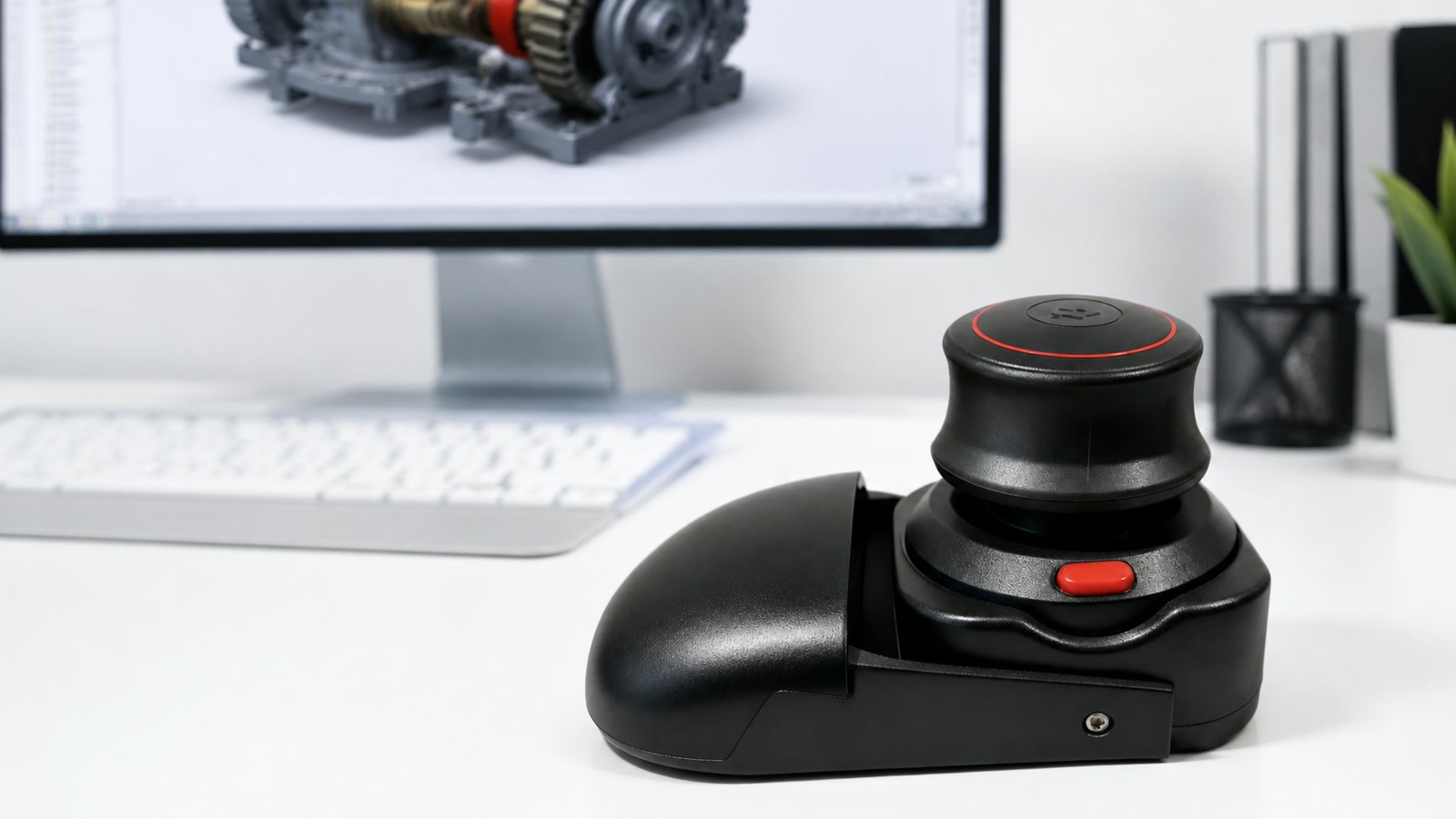
A standard mouse is still best for selection, but view control gets awkward when every orbit, pan, and zoom needs extra shortcuts.
Switching between command input and view movement breaks concentration during precise CAD edits.
Assemblies, curves, and dense scenes are easier to read when the camera moves smoothly.
A compact wireless controller keeps the navigation hand separate without adding another cable.
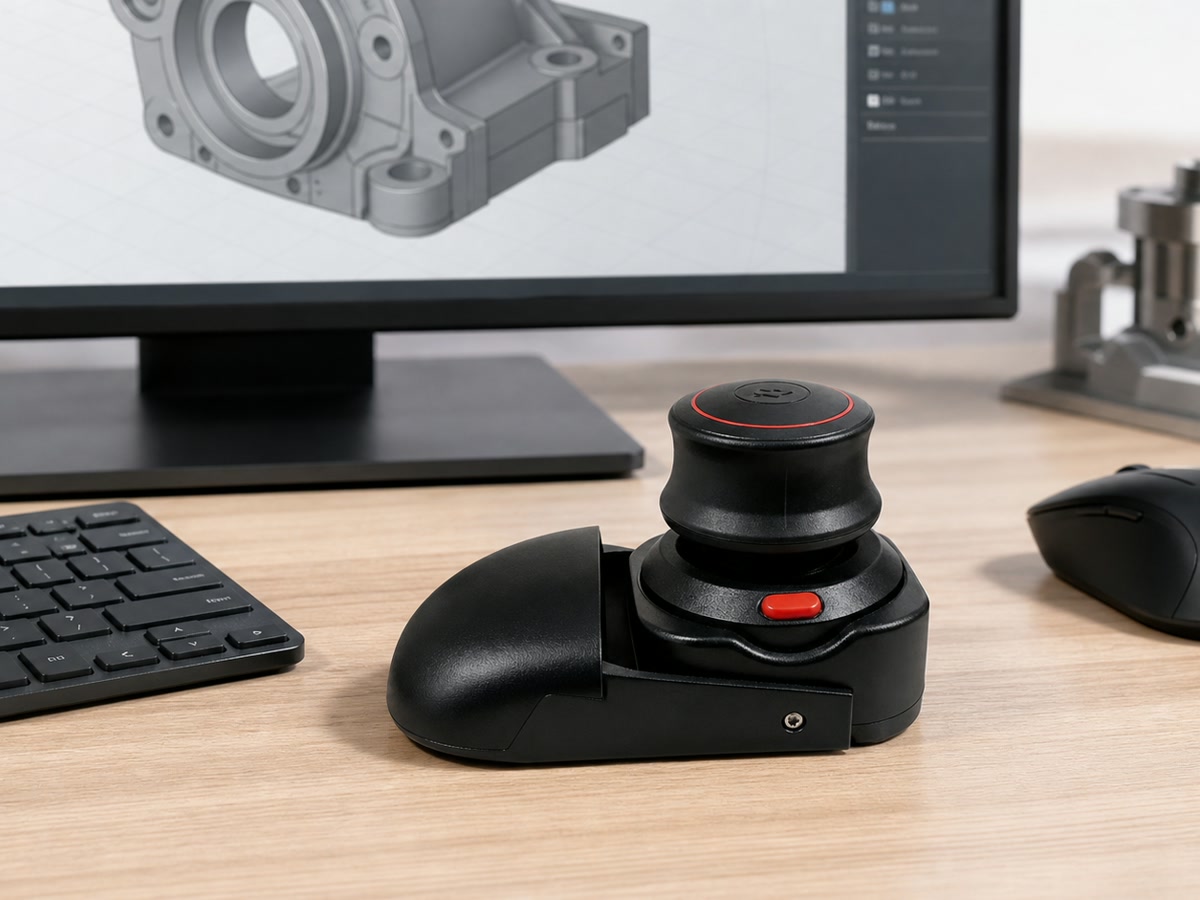
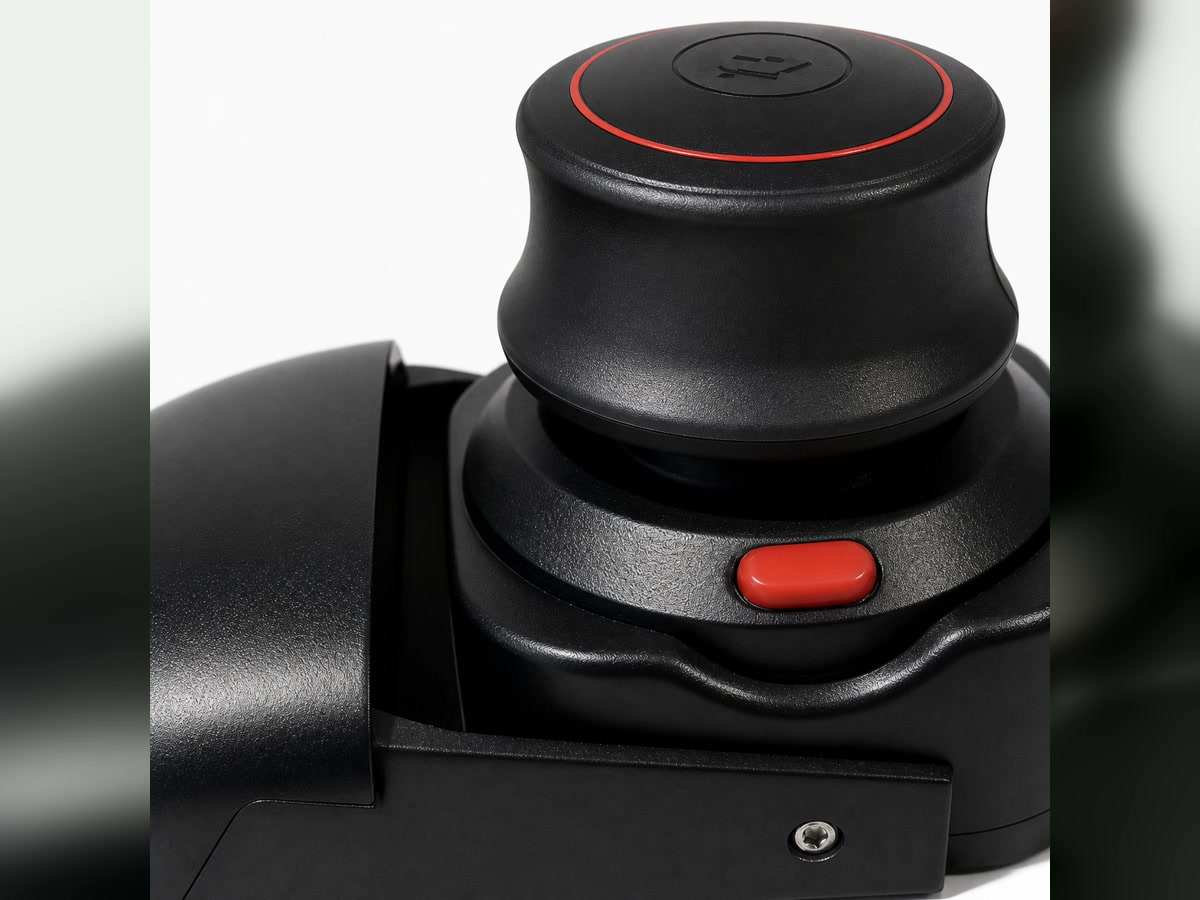
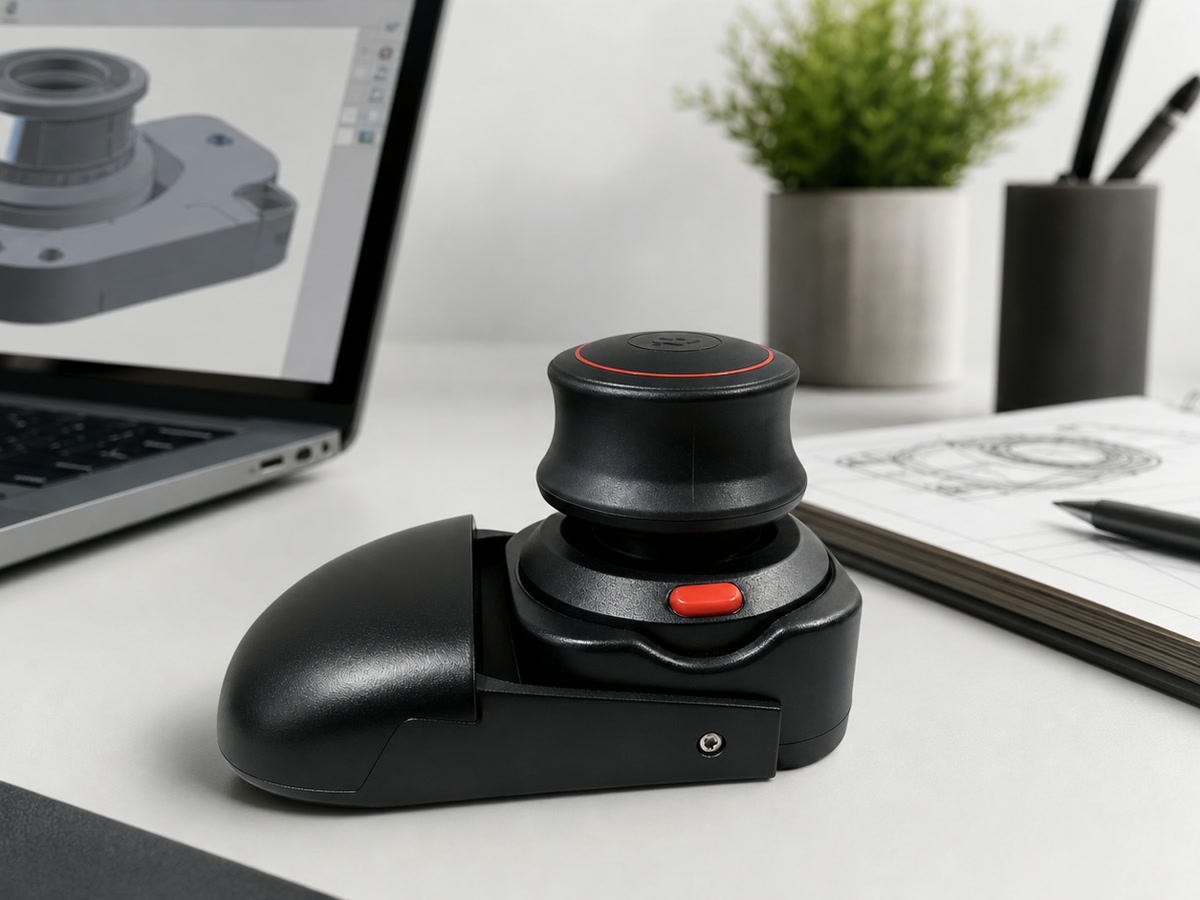
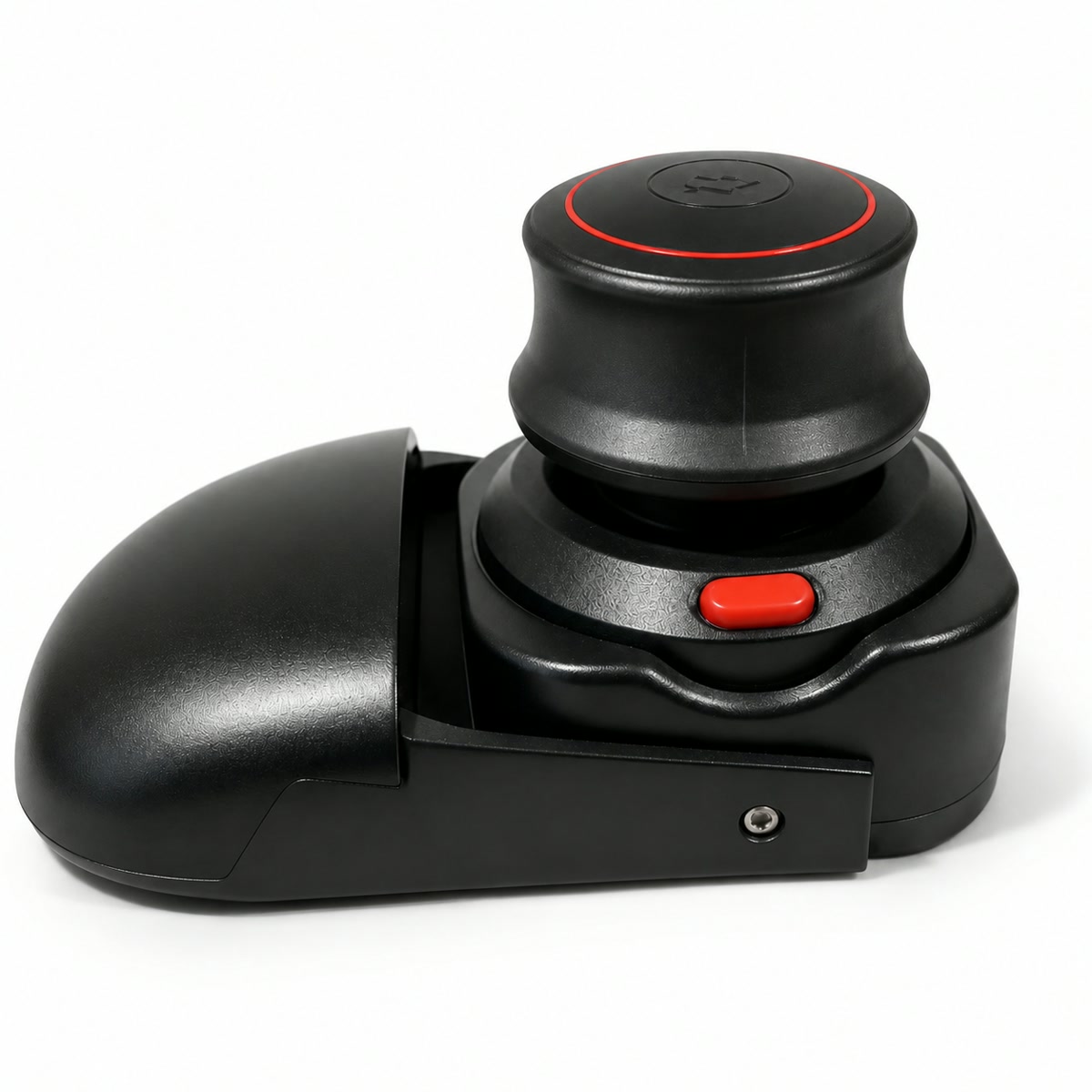
Use the puck-style controller for orbiting, panning, zooming, tilting, and moving through supported 3D scenes.
Use it in CAD, 3D modeling, engineering, and scene navigation workflows where 3D controller input is supported.
The value is not just one app. It is the repeated camera work across design, review, mapping, and immersive scenes.
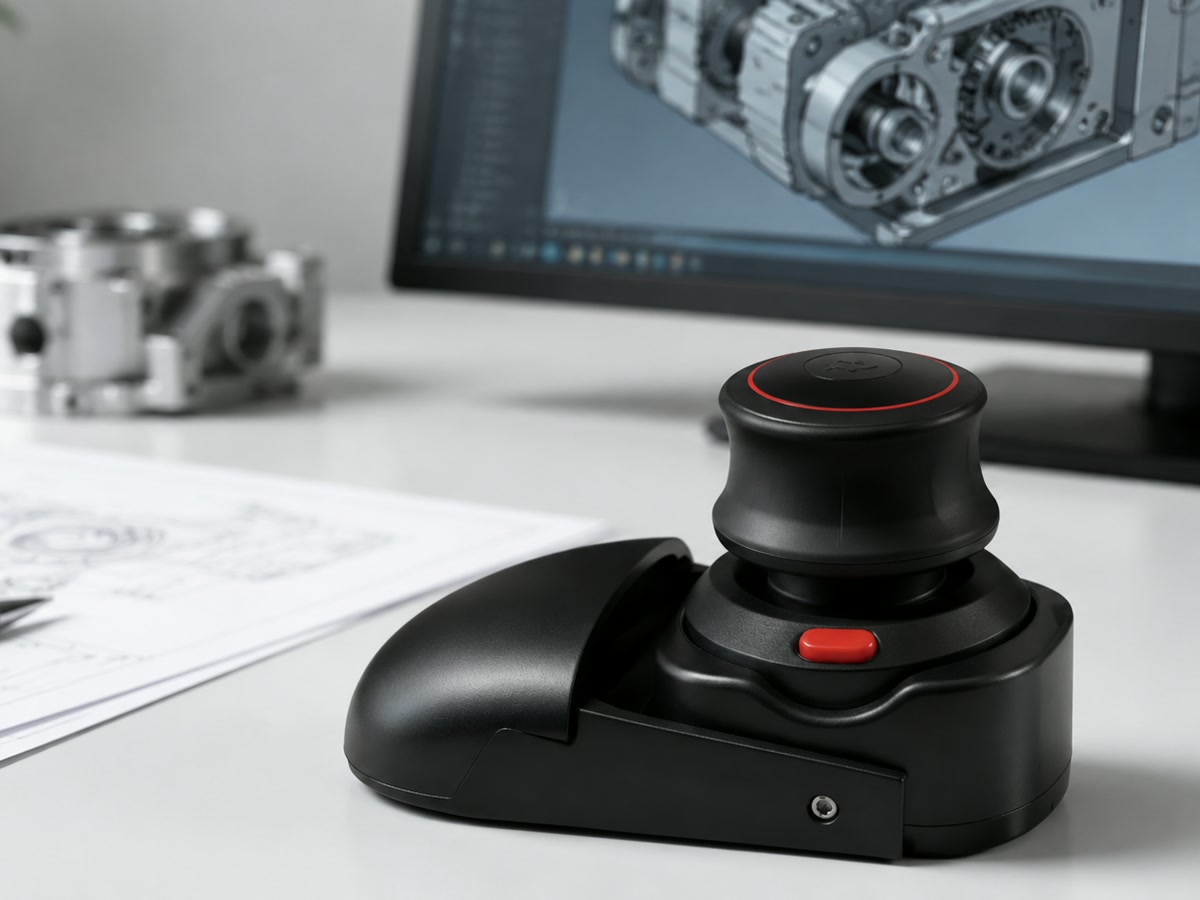
Review mechanical parts, assemblies, sketches, and drawings with a more deliberate navigation hand.
Orbit around forms, inspect surface quality, and keep camera moves separate from modeling commands.
Fly, tilt, rotate, and explore larger spatial environments where controller input is supported.
Move through models smoothly during client reviews, classroom walkthroughs, and recorded explainers.
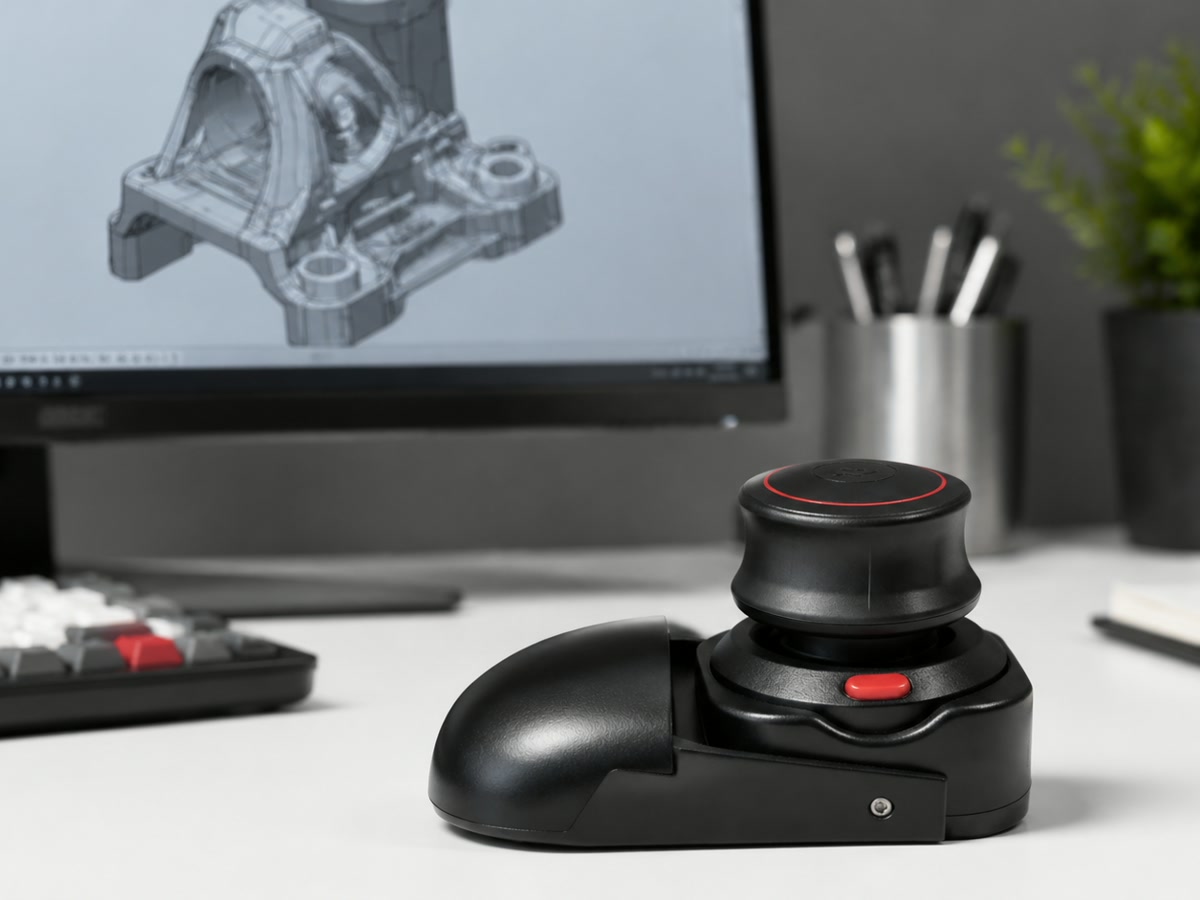
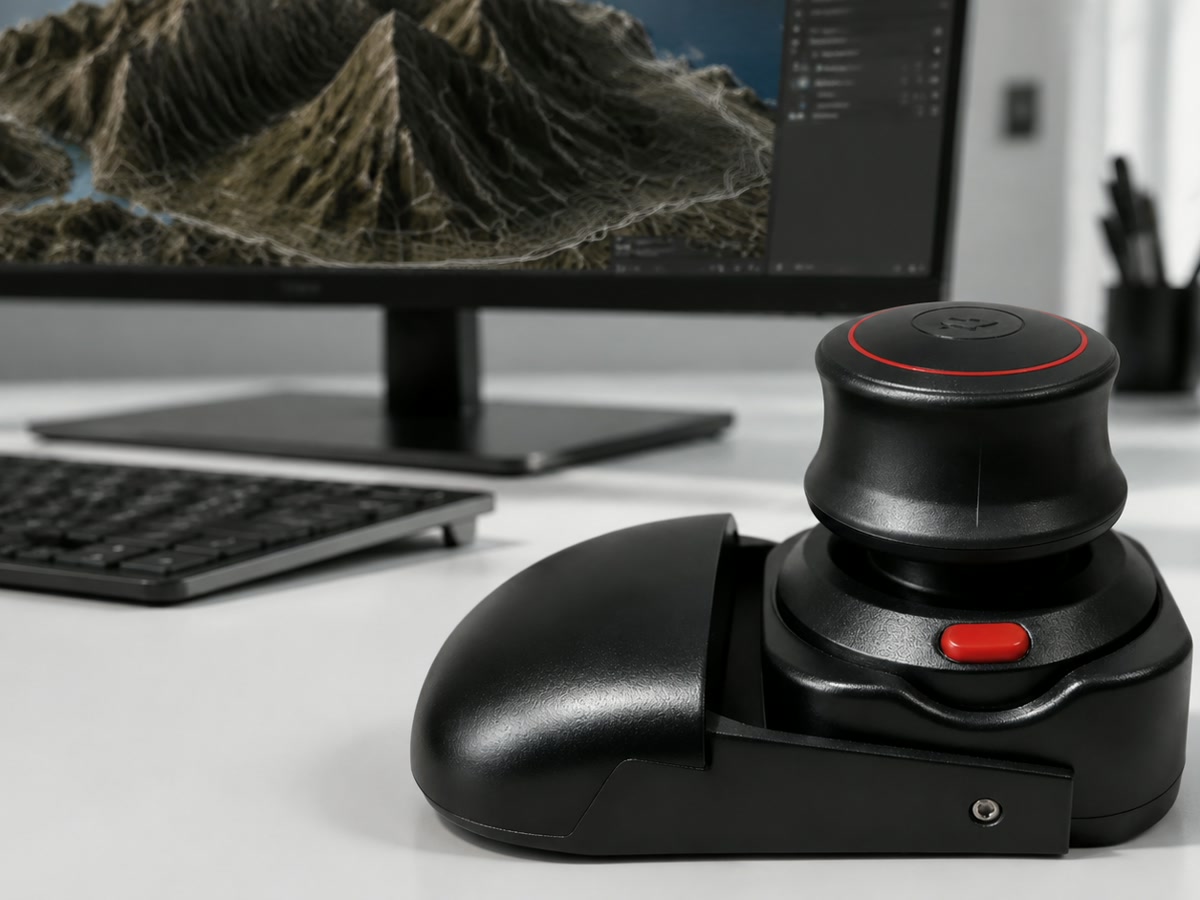
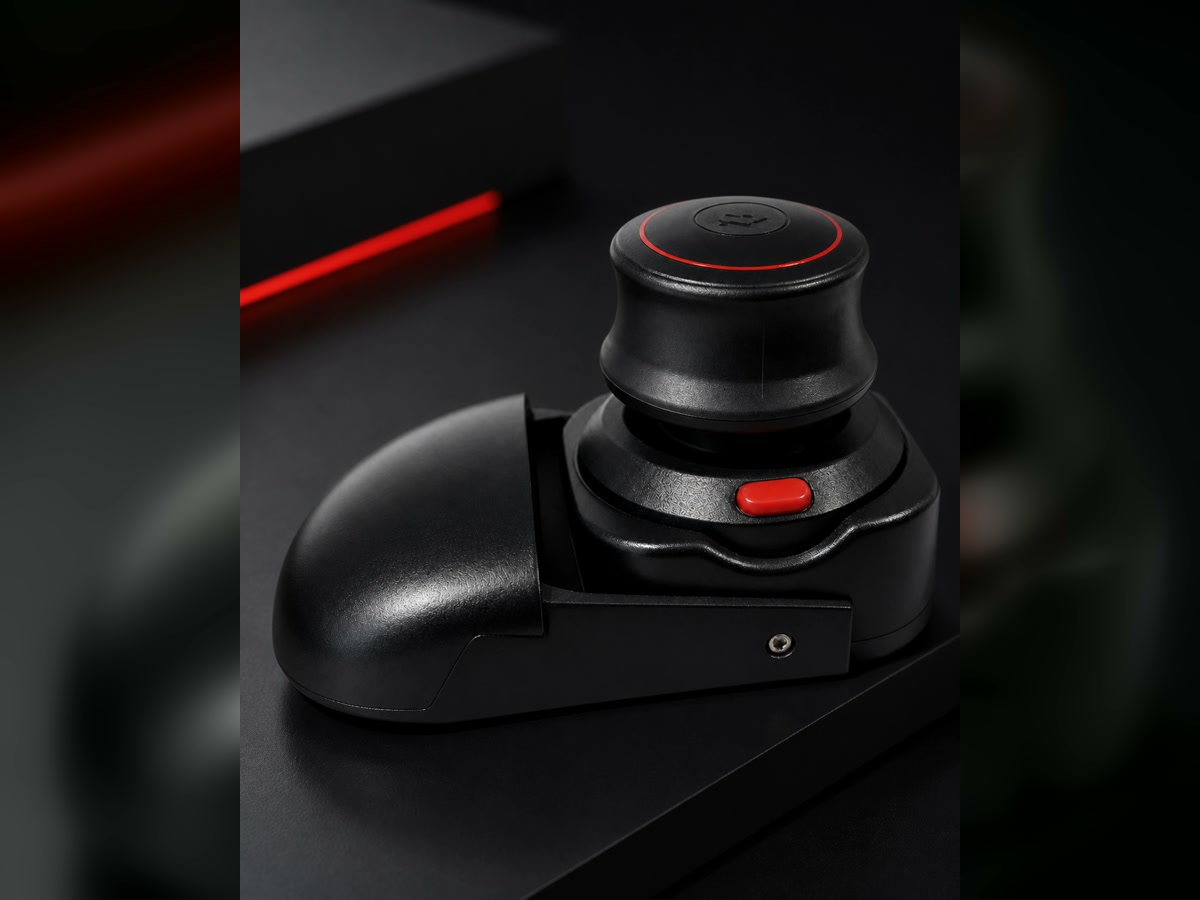
This is a compact 3D-printed product, so the finish can show small surface marks. The goal is daily usefulness, not mass-molded plastic polish.
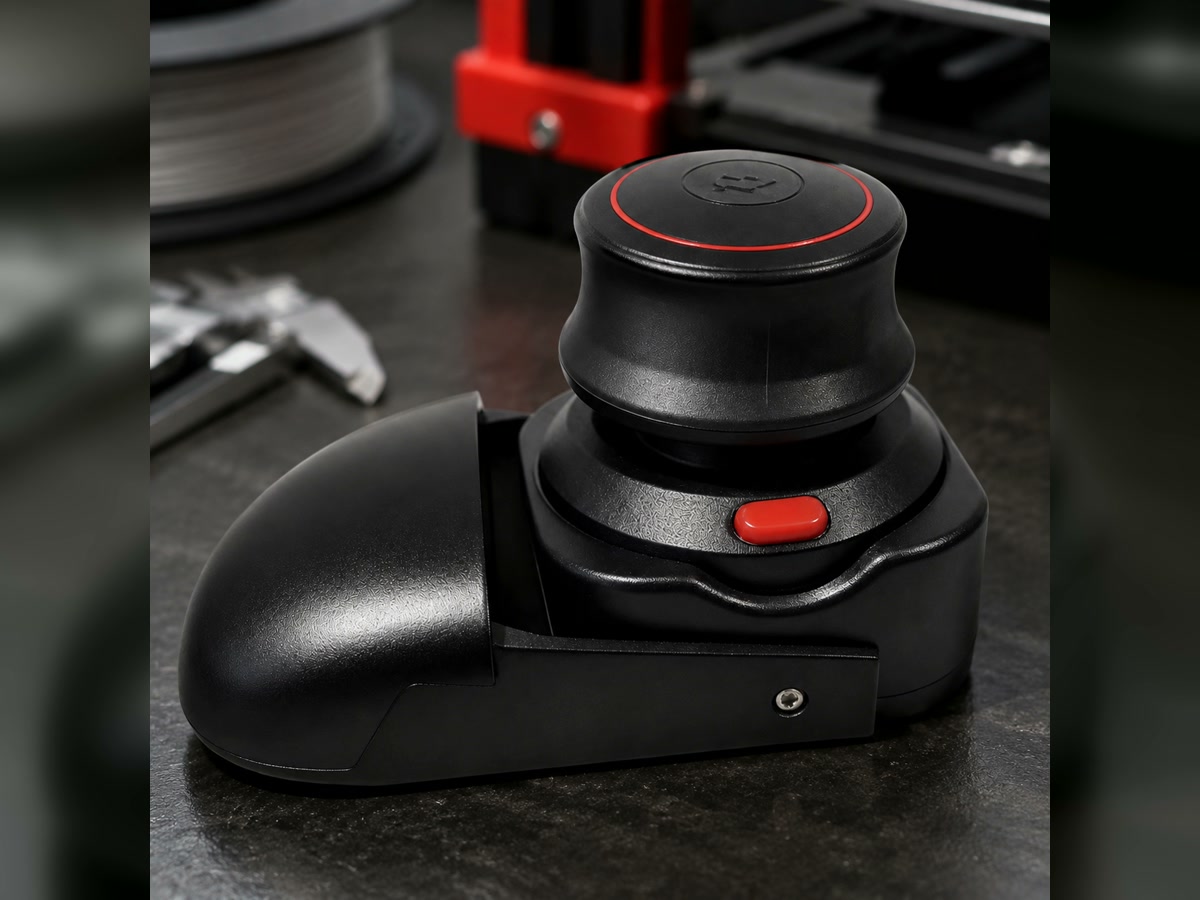
Both colors are the same product and the same price. Select one color, then use the single buy button.
The important details are simple: two colors, one price, wireless connection, and custom-built processing time.
Only Black and White and Black and Red are available on this site.
The product price is $129 for either color.
No. It is a dedicated 3D navigation controller that complements your normal mouse.
Because each unit is custom-built, processing can take up to 15 days before shipment.
Small surface marks or minor burrs can appear on 3D-printed parts and do not affect normal use.
Yes, if the laptop supports Bluetooth and your target software supports 3D controller workflows.
Choose a color and checkout in one clear path.